


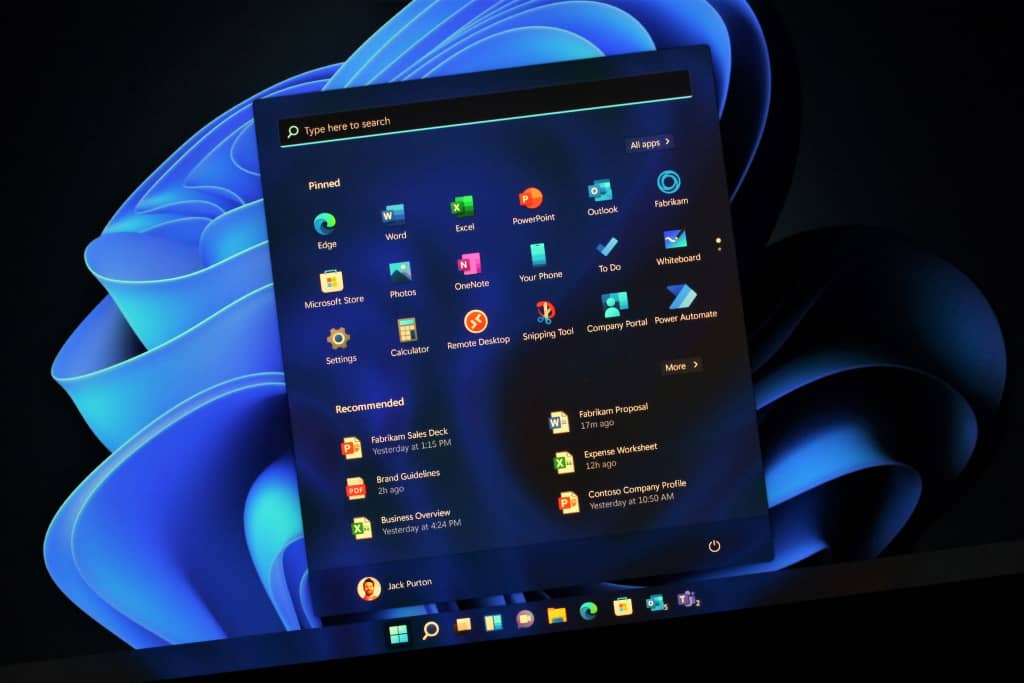
Microsoft has begun rolling out its latest Windows 11 upgrade to users on the Canary Channel, introducing a redesigned Start menu experience and several new features. This update follows earlier testing with Windows Insiders in the Dev and Beta channels, further expanding access to the revamped interface.
The refreshed Start menu now supports scrolling, allowing users to navigate shortcuts more easily. Microsoft says this change aims to improve organization and accessibility as it continues testing new design concepts across its Insider channels.
Alongside the Start menu upgrade, Microsoft has also introduced a new command-line text editor called Edit. The tool, described as an open-source initiative, lets users quickly edit files within the Terminal app by typing “edit” followed by the file name. Comprehensive details about Edit are available in its documentation and on GitHub.
Also Read: http://DJ Cuppy Reveals Personal Joys Of Singlehood
In addition, Microsoft has refined the Start menu’s adaptability, particularly for users with larger screens. The menu now automatically adjusts its layout based on screen size, optimizing space and visibility. On larger displays, the Start menu will feature eight columns of pinned apps, six recommendations, and four columns of categories, while smaller screens will display six pinned app columns, four recommendations, and three category columns.
The update also introduces an improved “All” section that remembers users’ preferred viewing options, ensuring apps consistently launch in the selected layout.
For Windows Insiders on the Canary Channel, Microsoft has further enhanced cross-device integration through Phone Link. A new mobile device button—positioned next to the Search box—allows users to easily expand or collapse mobile content directly from their PC.
The new features are part of Microsoft’s ongoing efforts to refine Windows 11’s usability and customization options as it gathers feedback from Insider participants
